Launching a professional website is an important investment for any business. However, many companies make the mistake of assuming that once their website is online, the work is finished.
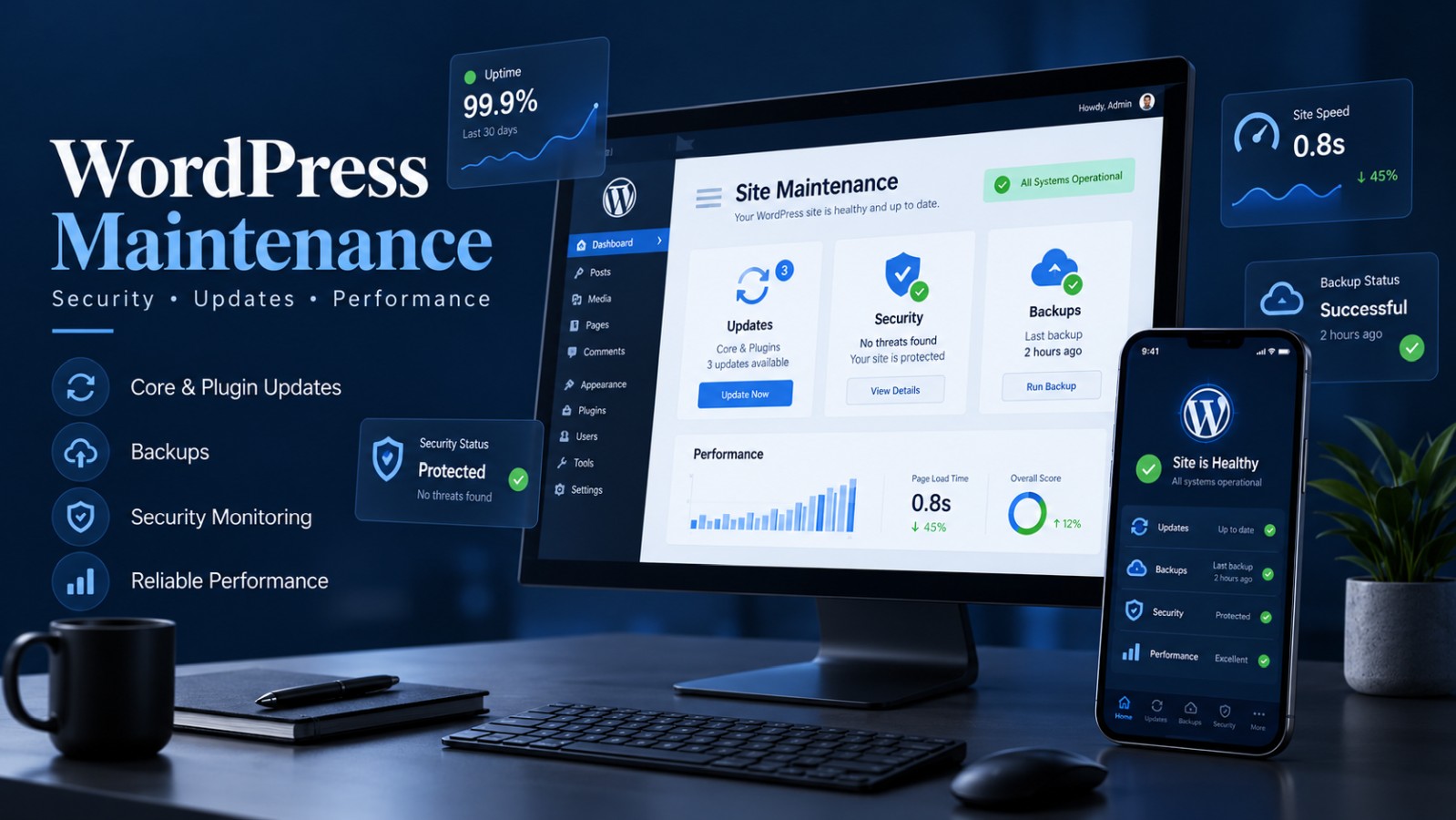
In reality, a WordPress website requires regular maintenance to remain secure, functional and compatible with evolving technologies.
Just like a vehicle needs routine servicing, your website needs ongoing attention to prevent unexpected problems and maintain its performance.
Neglecting website maintenance can eventually lead to security vulnerabilities, broken features, compatibility issues and unnecessary business interruptions.
Understanding the importance of WordPress maintenance can help you protect your website and extend the value of your digital investment.
Why WordPress Websites Need Regular Maintenance
WordPress is one of the most widely used content management systems because of its flexibility, powerful features and extensive plugin ecosystem.
Businesses can use WordPress to create corporate websites, online stores, booking platforms, membership systems and educational portals.
However, WordPress websites typically depend on several interconnected components:
- WordPress core software
- Themes and design frameworks
- Plugins and extensions
- PHP and server configurations
- Databases
- Third-party integrations
These components receive updates to improve functionality, resolve errors, address security issues and maintain compatibility.
Without regular maintenance, outdated components can create unnecessary risks for your business.
Security Updates Help Protect Your Website
Cybersecurity is one of the most important reasons to maintain a WordPress website.
Outdated plugins, themes and WordPress installations may contain known vulnerabilities that attackers attempt to exploit.
Potential consequences can include:
- Unauthorized website access
- Malware infections
- Website defacement
- Spam or malicious redirects
- Exposure of sensitive information
- Website downtime
Keeping WordPress components updated helps reduce exposure to known security vulnerabilities.
However, updates alone are not a complete security strategy. Strong passwords, appropriate user permissions, secure hosting and backups also play important roles.
A proactive approach is generally more manageable than recovering from a compromised website.
Plugin and Theme Updates Prevent Compatibility Problems
WordPress websites often rely on multiple plugins to provide essential functionality.
These may include contact forms, eCommerce systems, booking calendars, payment gateways, SEO tools and page builders.
When components become outdated, compatibility issues may occur.
For example, a plugin update might introduce changes that affect a theme, another plugin or the PHP version running on the server.
This can cause unexpected errors, broken layouts or features that stop working correctly.
Professional maintenance involves reviewing updates, checking compatibility and testing important website features after changes are applied.
For more complex websites, testing significant updates in a staging environment can help reduce risks before deploying them to the live site.
Backups Are Essential for Business Continuity
Even a carefully maintained website can experience technical problems.
Software conflicts, accidental changes, server failures or security incidents can sometimes affect website functionality.
Regular backups provide an important recovery option.
A reliable backup strategy should consider:
- Website files
- WordPress database
- Backup frequency
- Secure backup storage
- Retention policies
- Restoration procedures
The appropriate backup frequency depends on how often the website changes.
For example, an informational corporate website may have different backup requirements than an eCommerce store processing daily transactions.
It is also important to verify that backups can be successfully restored when needed.
Without a reliable recovery process, a technical incident may result in prolonged downtime or lost information.
Website Performance Should Be Monitored
Website performance can change over time.
New plugins, additional images, database growth and external scripts may affect page loading speeds.
A website that performed well when launched may gradually become slower without proper optimization.
Regular maintenance helps identify potential problems involving:
- Excessive plugin usage
- Unoptimized images
- Database overhead
- Caching configuration
- Server resource consumption
- Broken or unnecessary scripts
Performance optimization is particularly important for websites that depend on online transactions, appointment bookings or lead generation.
A faster and more stable website can provide a better experience for visitors and reduce unnecessary friction.
Contact Forms and Payment Systems Must Keep Working
One of the most overlooked maintenance tasks is testing business-critical website features.
Your website may look perfectly normal while important functionality is broken.
For example, a contact form might stop sending notifications, a booking integration may fail or an online store could experience payment gateway errors.
Businesses should periodically test essential features such as:
- Contact and quotation forms
- Email notifications
- Appointment booking systems
- Shopping carts and checkout
- Payment gateway integrations
- User registration
- Login and membership functionality
These checks can help identify issues before they significantly affect customer inquiries or transactions.
For businesses that depend on their website for sales, functional reliability is especially important.
Maintenance Also Supports Your SEO Efforts
Search engine optimization involves more than keywords and content.
A website’s technical health can also affect how easily search engines access and understand its pages.
Broken links, server errors, inaccessible pages and performance problems may interfere with the user experience and search engine crawling.
Regular website reviews can help identify:
- Broken internal links
- Missing pages
- Indexing problems
- Mobile usability issues
- Slow-loading pages
- Technical errors
Tools such as Google Search Console and Google Analytics can provide useful information about visibility, traffic and website performance.
Although maintenance does not guarantee higher search rankings, a technically healthy website provides a stronger foundation for ongoing SEO work.
How Often Should You Maintain Your WordPress Website?
There is no universal maintenance schedule that fits every website.
The appropriate frequency depends on website complexity, update activity, business requirements and security considerations.
A practical maintenance routine may include:
Weekly checks:
- Review important security alerts
- Confirm backups are running
- Check essential website functionality
Monthly checks:
- Review available WordPress, theme and plugin updates
- Test important integrations after updates
- Inspect website performance and technical errors
Quarterly reviews:
- Evaluate website functionality and compatibility
- Review analytics and search performance
- Check outdated or unnecessary plugins
- Identify technical improvements
Business-critical websites, especially eCommerce platforms, may require more frequent attention.
Professional Maintenance Saves Time and Reduces Risk
Many business owners prefer to focus on managing customers, sales and daily operations instead of troubleshooting technical website issues.
Professional WordPress maintenance provides a structured approach to managing updates and identifying potential problems.
A maintenance provider can help businesses keep their website components current, review technical issues and coordinate necessary improvements.
The exact services depend on the maintenance plan selected.
This approach can help reduce avoidable interruptions and give business owners greater confidence in their website’s ongoing operation.
Final Thoughts
Your website should not be treated as a one-time project.
It is a long-term digital asset that supports your brand, communicates with customers and helps generate business opportunities.
Regular WordPress maintenance helps protect that investment by supporting security, functionality, compatibility and technical stability.
At WebZtudio, we provide professional WordPress maintenance and premium hosting solutions to help businesses keep their websites updated, reliable and ready for continued growth.
Want to keep your WordPress website running smoothly? Contact WebZtudio to learn more about our maintenance plans and technical support solutions.